IB DP ESS IA Studio — Environmental Systems and Societies (SL and HL)
About Course
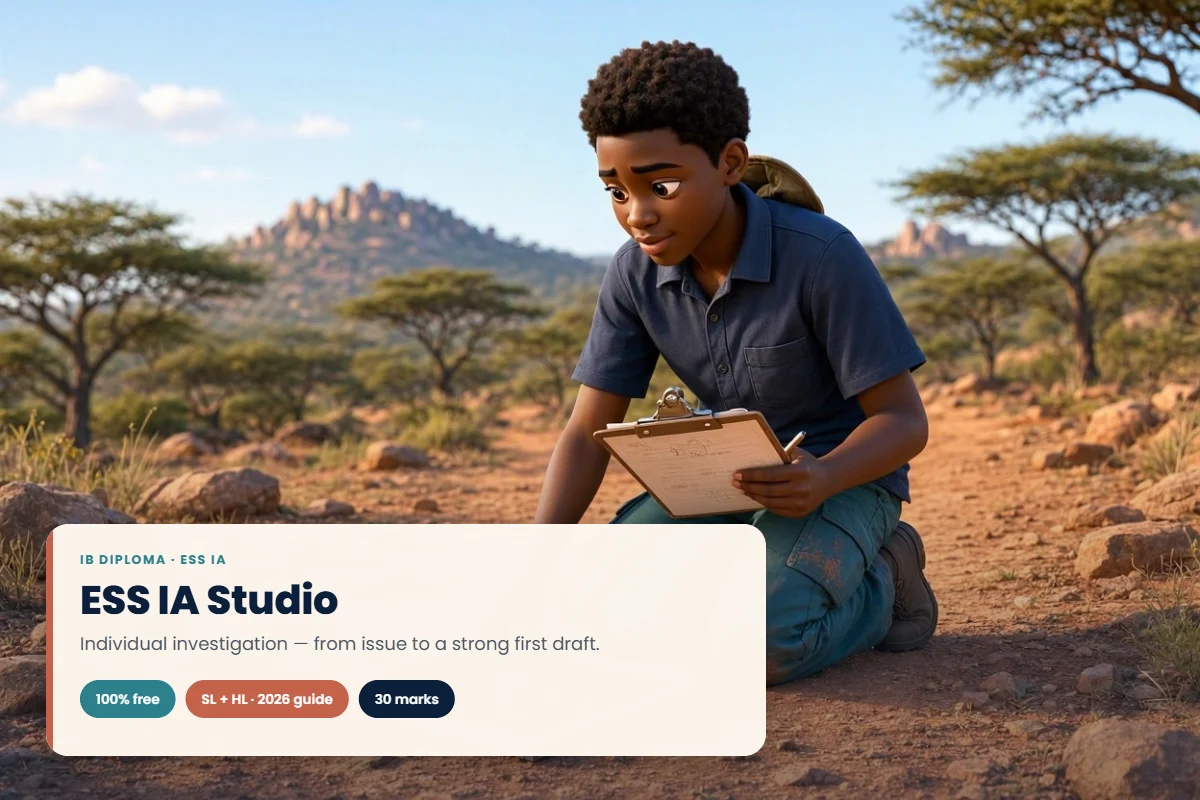
A step-by-step helper for the IB DP Environmental Systems and Societies (ESS) internal assessment, SL and HL. IA Studio takes you from “I have no idea what to investigate” to a complete first draft of your individual investigation — one small step at a time. You do the fieldwork, the thinking and the writing; the app asks the right questions, checks your work against criteria A–F and keeps you on track with your school’s deadlines.
For students at any school. Built for the current ESS guide (first assessment 2026): six criteria worth 30 marks — research question and inquiry, strategy, method, treatment of data, analysis and conclusion, and evaluation — a 3,000-word limit and about 10 hours of work. Includes 63 investigation ideas that work wherever you live, an engagement journal, an original worked example and email reminders before each deadline.
The 10 steps
- Choose your issue and investigation — 63 ideas you can adapt to where you live: fieldwork, surveys, lab mesocosms, databases, satellite images and simulations, each with a real strategy to discuss.
- A. Issue, research question and background — what the issue does to ecosystems, and a question builder with live checks for one independent variable, its range, location and time period.
- B. Strategy and perspectives — one real, referenced strategy, two contrasting perspectives and how the tension between them helps and harms the strategy.
- C. Method — method checklists for fieldwork, surveys, lab, databases and images, the 5 × 5 rule, a survey sample-size calculator and a pilot log. Your plan goes to your teacher for approval before you collect data.
- Collect your data — a data grid with units in the headers and checks for missing values and precision.
- D. Treatment of data — means and standard deviation, Simpson’s diversity index, graphs with error bars, Spearman and Pearson correlation, t-tests and one-way ANOVA with a post-hoc test.
- E. Analysis and conclusion — prompts to discuss every result, the statistics, reliability, validity and bias, then answer your question.
- F. Evaluation — weakness → evidence → impact → improvement → how much better the conclusion would be, plus your unresolved questions.
- Self-check — criteria A–F in plain language with an indicative grade (a guide, not a grade) and a word count.
- Build your report — Word or PDF in A–F order with your personal code and word count on page 1, an anonymity check, references and AI-use declaration. Send your first draft to your teacher for the one round of feedback.
How to start
- Log in (or create a free account) and enrol — one enrolment gives you 12 months of access. Enrolment is free with the code STADIRA100 until 30 April 2027. If your school has a Stadira licence, enter your teacher’s class code in the box on this page instead: you join free.
- Open the lesson Open IA Studio.
- Choose SL or HL and your exam session.
- Choose your country (any of 200) — the studio suggests topics that fit it straight away. If your topic is about another country, choose that too: published sources can come from anywhere, while fieldwork, surveys and interviews stay where you live.
- Enter your school name. If your teacher gave you a class code, enter it: your teacher then sees your progress, approves your plan and gives draft feedback here. No code? Work on your own: set your own deadlines and show your plan and draft to your teacher.
Working with your teacher
- Plan approval — your teacher approves your plan before you go further, or sends it back with a note saying what to change.
- One round of draft feedback, as the IB allows — dated and kept with your work so you can come back to it.
- Your school’s dates — schools set their own deadlines at any time of year. Your class dates, and any extension your teacher gives you, show in the studio with email reminders before each one.
- Email updates when your teacher approves your plan, returns it or sends feedback.
- Final version — record the date you handed your work in to your school and confirm that it is your own work, your sources are credited and any AI use is declared. IA Studio does not send work to the IB; your school does that.
Your work is safe
Your work saves to your own account automatically, so you can continue on any device. If your connection drops or you are signed out, nothing is overwritten — the studio tells you and waits. If you work on two devices, it asks which copy to keep. IA Studio never writes your investigation for you — it is designed to keep the work genuinely yours, as the IB requires.
AI-free by design. IA Studio never writes or suggests your content — every word is yours. Do your research wherever you like (your library, databases, news websites, interviews). If you use an AI tool outside the studio, record it in the built-in AI-use log; it goes into your work as your AI-use declaration, as the IB requires.
For teachers
Set up a free teacher dashboard at stadira.com/ia-teacher/. Create class codes, see each student’s progress and work so far, approve plans, give draft feedback from your own comment bank, set class deadlines and individual extensions, record final marks and authenticity, and download your class as a CSV file. Students see only their own work; student names are shown only to their own teacher.
Set up a free IA Studio dashboard for your class: class code, progress, plan approval and draft feedback.
Any debit or credit card works, with or without a PayPal account. The price is shown in US dollars and your access code arrives at once.
Course Content
Student Ratings & Reviews